

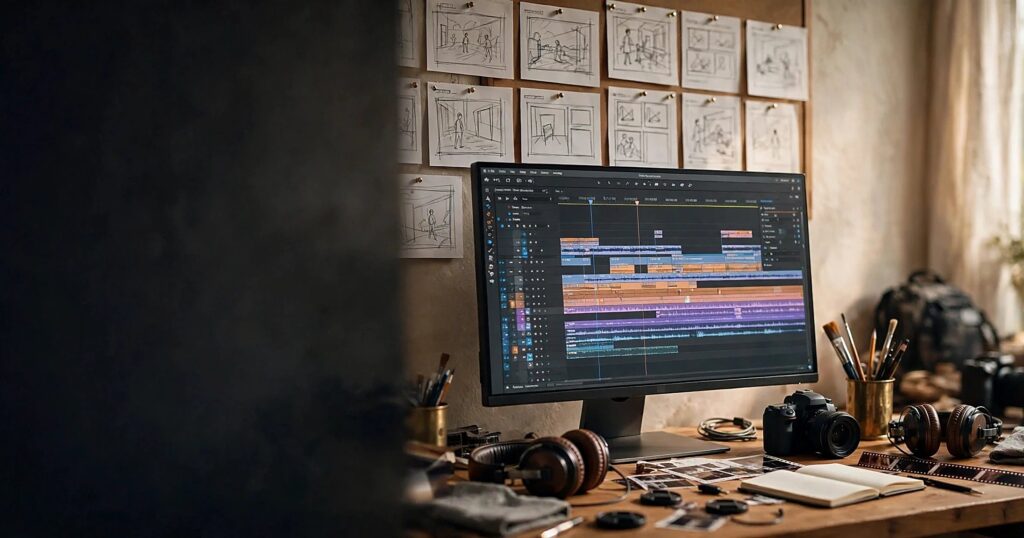
Quick answer: A generative AI creative pipeline is a repeatable workflow, not a magic button. You plan the story, generate images and clips with AI tools, edit them like real footage, add sound, and publish on a schedule. Done right, it lets a small team or even a solo marketer produce a month of video content in days. This guide walks you through the five stages, the tools actually worth your money, and the quality guardrails that keep the work from looking machine-made.
The Day Video Became a Solo Sport
AI tools are part of my daily client work: drafts, variations, research, first passes at captions, rough cuts of ideas. And I am telling you plainly: the people using AI as a replacement for thinking are producing content nobody remembers, while the people using it as leverage are producing more good work than ever. The difference is the pipeline. Here is mine.
Video is where that difference shows up fastest. Two years ago, a polished brand video meant a crew, a location, a budget, and a month. Today I can take a client from a one-line idea to a finished 60-second spot without picking up a camera. Not a gimmick video. A real piece of marketing with a story, pacing, sound, and a call to action.
But here is what most people get wrong. They open a video generator, type “make me an ad for my bakery,” get a shiny 8-second clip of bread that looks vaguely haunted, and conclude the technology is not ready. The technology is fine. They skipped the pipeline. A clip is not a film. Generation is not production.
This guide is about the part nobody posts about: the boring, repeatable system between the idea and the finished video. I build these pipelines for clients as part of my AI filmmaking and video production work, and this is the honest version, including the parts where AI still needs a human standing next to it.
What a Creative Pipeline Actually Is
A pipeline is a sequence of stages where each stage has one job, one human owner, and one quality bar. Raw material goes in one end, finished work comes out the other, and nothing moves forward until it passes the check at its stage.
That is it. Film studios have run pipelines for a century: script, storyboard, shoot, edit, grade, mix, master. The AI version keeps the same shape and swaps the expensive middle for generation. The stages and the quality bars still exist. The humans just sit in different chairs.
Why does this matter for a small business? Because without a pipeline, AI video becomes a slot machine. You pull the lever, you get a clip, sometimes it is good, usually it is not, and you have no idea why. With a pipeline, every failure has an address. The script was weak, the reference images were inconsistent, the edit had no pacing. You fix the stage, not the tool. That is the difference between playing with AI and producing with it.
The Five Stages of an AI Video Pipeline
Here is the pipeline I actually use. Five stages, in order, no skipping.
Stage 1: Concept and story (the part AI cannot do for you)
Every video starts with two sentences written by a human: who is this for, and what should they feel or do after watching. Not a prompt. Sentences. “This is for busy parents considering our meal kits. After watching, they should feel that cooking can be calm again, and click through to the menu.”
AI can expand this into a script, a shot list, and three hook variations. It does that well. What it cannot do is decide what matters. If you cannot say who the video is for and what it should change, no tool will save you. The concept stage is where most AI videos die, and they die before a single pixel is generated. Finding those two sentences is story work before it is video work, and my collection of brand storytelling examples shows how small businesses dig up stories worth telling.
My rule: the brief gets written before any tool opens. I write it like I am briefing a freelancer, because in a sense I am. If you want to get good at this specific skill, my prompt engineering playbook is the companion piece. Briefing an AI video tool is the same discipline as briefing a model for copy: specific role, clear context, named format, examples of what good looks like.
Stage 2: Assets and references
Before generating a single frame, gather your constants: product shots, brand colors, logo, reference images for the look you want, and crucially, reference images of any character who appears more than once. Consistency is the hardest problem in AI video. A face will drift between clips unless you anchor it. Those constants only hold together when the positioning underneath them is settled, and if yours still lives in your head, my brand positioning statement template walks you through writing it down.
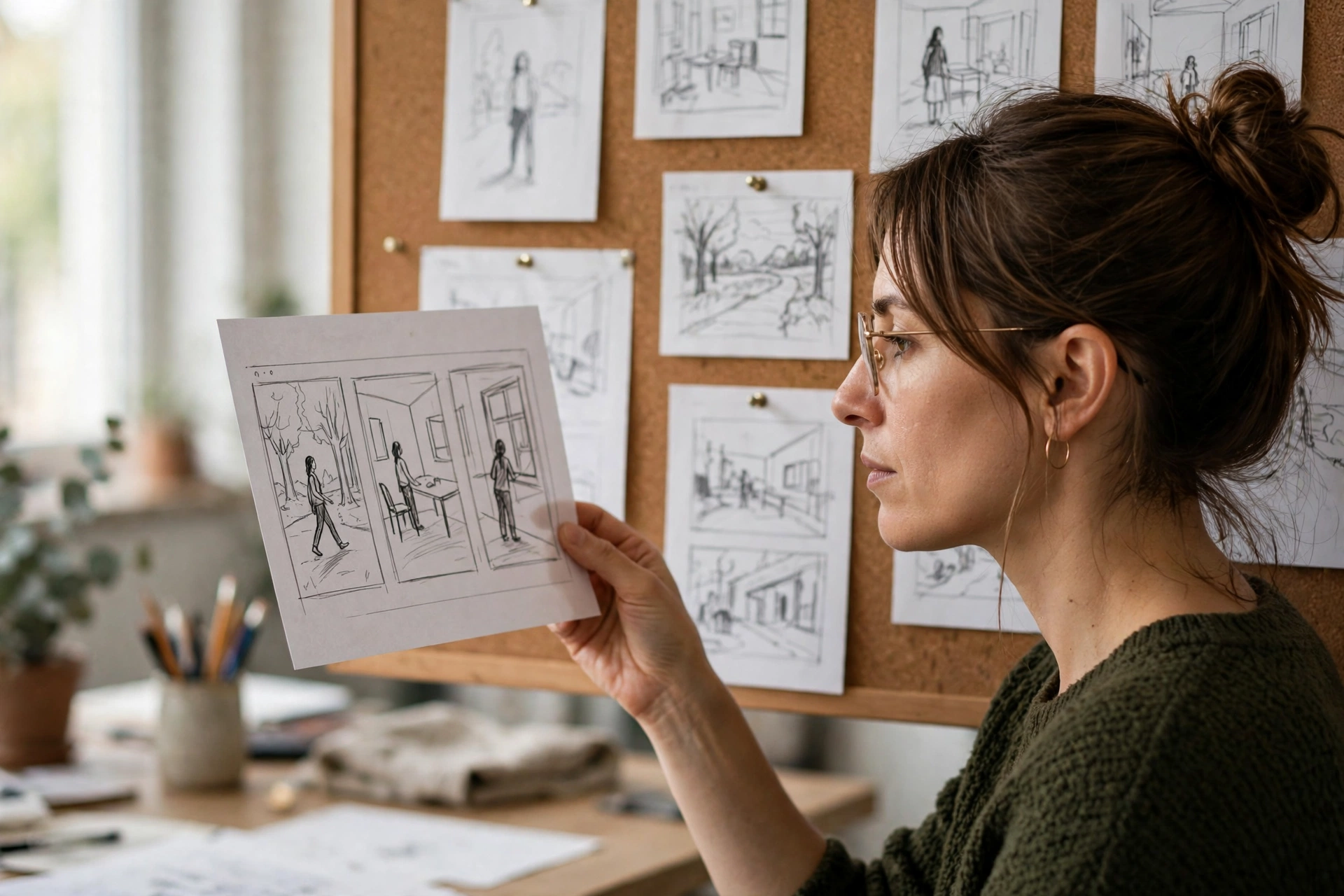
This is where image tools earn their keep. Generate your key frames first as stills: the hero shot, the product close-up, the presenter’s look. Approve them as images, because a still you hate will not become a clip you love. Lock the visual identity here, in the cheapest medium, before you spend a single video credit.
Stage 3: Generation (clips, in batches)
Now you generate, and you generate in batches. AI video tools produce short clips, typically a few seconds each, so a 60-second video might need 10 to 15 usable clips. You will generate three to five times that many. This is normal. Professionals in traditional film shoot far more than they use; the ratio is the same here, only cheaper.
Work image-to-video wherever you can. Starting from an approved still gives you far more control than text-to-video, and it keeps your Stage 2 constants intact. Direct the motion the way you would direct a camera operator: short, physical, specific. “Cinematic” is not a direction. “Slow push-in on the product, shallow depth of field” is.
Expect roughly a third of your generations to be unusable. Hands do strange things, text renders as gibberish, physics glitches. Budget for it. The pipeline assumes waste the way a kitchen assumes trimmings.
Stage 4: Assembly and edit
This is where clips become a video, and it is the stage most AI enthusiasts skip. Editing is not optional. Pacing, rhythm, music, sound design, captions, color consistency across clips, the first three seconds that decide whether anyone keeps watching. AI generated the raw material. A human still makes the film.
My strong opinion: the edit is where the “soul” lives. Two people can generate the same ten clips and cut two completely different videos. One feels alive, the other feels like a slideshow with delusions of grandeur. The difference is taste applied in the timeline: which clip, how long, what music, where the cut lands. No model does this for you yet. Learn basic editing or hire someone who has. This stage is non-negotiable.
Stage 5: Publish and learn
Ship the video, then read the response like a scientist. Watch time, drop-off points, comments, saves. The first three seconds underperforming is a hook problem (back to Stage 1). People dropping at second twenty is a pacing problem (back to Stage 4). A character looking off is a reference problem (back to Stage 2). The pipeline is a loop, not a line.
This is also where AI earns a second shift. Once the video works, use AI to multiply it: cut vertical versions for Reels and Shorts, generate caption variants, translate the script, write the accompanying post copy. Produce once, adapt many times. If you ever connect AI agents to your content operation, this repurposing stage is the safest place to start them: the creative decisions are already made, and the agent is just executing variations.
The Tool Stack, Honestly Assessed
You do not need a dozen subscriptions. You need one good tool per stage, and you need to know what each one is actually for. Here is the honest map.
| Tool | Best for | Watch out for |
|---|---|---|
| Runway | Cinematic clips, precise camera and motion control, pro editing features | No native audio on many generations; costs add up fast at volume |
| Kling | Strong motion quality, longer clips, generous free tier | Queue times can be slow; check the privacy terms for client work |
| Pika | Fast, stylized short clips for social | Less photorealistic; best for playful rather than premium looks |
| Google Veo (via Flow) | Realism plus native audio in one pass | Access and pricing sit inside Google’s AI plans; verify current terms |
| HeyGen | Talking-head explainers and multilingual presenters | It is avatars, not filmmaking; a different craft entirely |
A note on money, because this market moves fast: entry plans across these tools typically start in the low teens per month, with heavier tiers climbing past thirty, and several offer usable free tiers. Treat every figure as temporary. Check the vendor’s current pricing page the week you buy, not the week you read a blog post. The skill of running the pipeline transfers between tools; the subscription does not have to be permanent.
Image and storyboard tools
Start with whatever image generator you already know: Midjourney, Adobe Firefly, or the image mode of ChatGPT or Gemini. The job is key frames and references, not masterpieces. Firefly deserves a mention for client work because its commercially safer training data gives nervous clients one less thing to worry about.
Video generation
Pick one primary generator and learn it deeply. My bias: Runway if you want control and you are willing to pay for it, Kling if you want quality per dollar, Google’s Veo through Flow if you want the closest thing to an AI filmmaking environment with sound built in, Pika if your brand is playful and fast. One tool, learned well, beats four tools sampled shallowly, because the interface changes every quarter and your directing skill is the durable asset.

Editing, voice, and finishing
Cut in whatever editor you already use. CapCut is free and shockingly capable for short-form; DaVinci Resolve is free and genuinely professional; Premiere Pro remains the industry default if you are already in Adobe’s world. For voiceover, AI voice tools are now good enough for drafts and even finals in many commercial contexts, but record a human for anything emotional or brand-defining. A synthetic voice reading a heartfelt script is the fastest way to make an audience feel nothing. Sound design, captions, and color matching across clips are what separate “AI video” from “video.” Budget your time accordingly.
AI Filmmaking Is Not AI Video Clips
Let me draw the line clearly, because the phrase “AI filmmaking” gets thrown around loosely.
An AI video clip is a generated shot. AI filmmaking is the discipline of turning generated shots into something with story structure: a beginning that hooks, a middle that builds, an end that lands. The tools do not do this. You do. Filmmaking was never really about the camera; it was about decisions. Which moment matters. How long to hold it. What the audience should feel right before the logo appears.
This is why I offer AI filmmaking as a service rather than just “AI video.” Anyone can generate clips now. The scarce skill is the pipeline around them: the concept, the consistency, the edit, the sound, the judgment about what to keep and what to cut. If you are a business owner watching this space, hire for the pipeline, not the tool subscription. Tools are rented. Taste is owned.
Here is the uncomfortable truth: AI pipelines do not remove the bottleneck, they move it to taste. When production gets cheap, judgment becomes the scarce resource. I spend more time reviewing and refining AI output than I ever spent producing from scratch, and the results are better for it. A traditional shoot forced discipline through cost. AI generation is cheap, so the discipline has to come from you, deliberately, at the review stage. Scale made taste more valuable, not less. Everyone can generate now. Not everyone can judge. Be the person who can judge.
Keep a Human Fingerprint on Everything
Every piece that goes out under my name or a client’s name gets something AI cannot fake: a real opinion, a real story, a specific detail from actual experience. That is the soul part of the title. Readers and viewers can sense generated mush the way they can sense reheated food. One genuine sentence outperforms ten polished generic ones. I never publish anything I could not defend in a conversation.
In video, the fingerprint shows up in specific places. The script says something only you would say. The example on screen is from your actual work. The voiceover has a point of view, not just information. The music choice is deliberate, not the default track everyone else used this month. AI can generate a hundred videos about your industry; only you can make one that sounds like you.
There is a practical test I use before anything ships: would I be proud to show this to a peer and say I made it? Not “the AI made it.” I made it, using AI the way a director uses a camera. If the answer is no, it goes back a stage. The standard is the standard.

The Guardrails: Rights, Likeness, and Disclosure
Nobody likes this section, which is exactly why it is here. AI video for commercial use has three guardrails, and skipping any of them can genuinely hurt a business.
Rights. Know what your tools’ outputs are licensed for. Commercial use terms vary between platforms and tiers, and they change. For client work, prefer tools with clear commercial licenses, and keep a record of which tool generated which asset. Boring? Yes, and it is far cheaper than a dispute.
Likeness. Do not generate real, recognizable people without permission. Not competitors, not celebrities, not “a famous actor type.” The technology can do it; that does not make it wise or legal. For brand work, use fictional presenters, your own likeness with consent, or licensed avatar talent. This is a bright line. Do not blur it.
Disclosure. Tell your audience when content is AI-generated, especially when it depicts realistic scenes or people. Platforms increasingly require it, audiences generally reward the honesty, and the alternative is getting caught, which is worse than any disclosure ever is. A simple line in the caption or description is enough. Transparency is a brand asset; treat it like one.
What Not to Hand Over
Be specific about the jobs you keep. In my workflow, AI handles volume: clip generation, variations, rough assemblies, caption drafts, format adaptations. It does not handle the concept, the final edit decisions, the brand voice, the sound choices that carry emotion, or the publish decision. It definitely does not handle anything involving a real person’s likeness or a claim the business has to stand behind.
The pattern is simple: AI proposes, humans dispose. The moment you reverse that, the pipeline stops being a creative process and starts being a slot machine with your brand’s name on it. Every shortcut you take in the human stages shows up in the final video. Audiences may not know why something feels off, but they feel it, and they scroll.
Build Your First Pipeline This Week
Do not try to build the full machine on day one. Run this sequence once, end to end, and you will understand the whole system.
- Write the two-sentence brief. Who is it for, what should they feel or do. On paper. Before any tool opens.
- Generate five key frames as stills. Approve the look before spending a video credit.
- Generate clips from your approved stills. Batch them. Expect a third to be unusable.
- Edit ruthlessly. Cut it like you paid for every second, because your audience’s attention is the real budget.
- Add sound last, but deliberately. Music, a real or AI voiceover, captions. Watch it on your phone with the sound off; if it still works, your captions are doing their job.
- Publish, then read the data. One video, reviewed honestly, teaches more than ten generated and ignored.
- Only then, systematize. Save what worked as your template: the brief format, the reference set, the edit rhythm. That template is the pipeline.
Frequently Asked Questions
How much does AI video production cost for a small business?
Less than traditional video, more than zero. Most businesses can run a serious pipeline on one video generator subscription plus a free editor, which keeps tool costs modest. The real cost is human time at the concept, review, and edit stages. Anyone quoting you “unlimited AI videos for almost nothing” is selling the slot machine, not the pipeline.
Can AI video really look professional enough for my brand?
Yes, with the pipeline around it. Raw generated clips usually cannot carry a brand on their own: inconsistent details, odd motion, no story. But generated clips inside a real workflow, with locked references, professional editing, sound design, and human review, are already producing commercial-grade work. The gap was never the pixels. It was the process.
Do I need to tell people my video was AI-generated?
You should, and increasingly you must. Several platforms now require disclosure for realistic AI-generated content, and audiences tend to reward honesty about process. A brief note in the caption or description costs nothing and protects everything. Deception, once discovered, costs the trust the video was meant to build.
What is the difference between AI video and AI filmmaking?
AI video is the generation of clips. AI filmmaking is the full discipline: concept, story structure, consistent characters and worlds, editing, sound, and pacing, with AI as the production department rather than the director. Clips are abundant and cheap. Films, even short ones, still require human judgment at every stage that matters.
Should I build this in-house or hire someone?
It depends on where your bottleneck is. If you have someone with taste and basic editing skill, the tools are learnable in weeks and the pipeline above is your roadmap. If you do not, hire the pipeline, not the tools: someone who brings the concept, the consistency system, and the edit. That is the work I do for clients, and it is the part no subscription replaces.
The Bottom Line
Generative AI did not remove the work of making video. It moved the work to better places: less time wrestling cameras and crews, more time on story, taste, and judgment. The businesses winning with it are not the ones generating the most clips. They are the ones running a pipeline where every stage has a human owner and a quality bar.
Build the pipeline. Guard the standards. Keep your fingerprint on everything. The tool was never the strategy. Your taste was always the strategy. AI just made it more valuable.
If you want this built for your business rather than built by you, get in touch. I design AI video pipelines and produce AI-filmed content for brands that want the output without the learning curve. And if this guide helped, share it with one business owner still paying agency prices for work a pipeline could do better.