


Picture yourself screening the first cut of your new video ad. The serum bottle looks right in the opening shot, then it changes shape in the next one, the label slides around the glass, and the voiceover drifts into a different mood. Your budget paid for every one of those frames, and the prompt never told the model what to hold still. That is what prompt structure is for, and this guide hands you the structure to copy.
Why a Seedance video ad falls apart without prompt structure
Your video ad is a promise made in a few cuts: the product on screen is the product for sale, the room is one room, and the story moves in one direction. When any of those break, the ad stops feeling like an ad and starts feeling like a glitch, and the viewer scrolls past before your message lands. Pletor’s production notes put it plainly: holding a bottle, its packaging, and its logo recognisably the same across cuts is the prerequisite for anything that resembles a TV spot.
Seedance gives a small business the raw material for that kind of spot. ByteDance’s announcement of Seedance 2.5 describes a single generation that can organize several logically connected shots, so a story unfolds through setup, development, turning points, and resolution instead of stretching one moment. A full ad arc fits in one 30-second take.
The model follows what it is given, and a vague prompt hands it the decisions. A line like “a nice ad for a serum” leaves the product, the room, the camera, and the sound open to interpretation. Structure is the fix: it tells the model what stays fixed, what moves, and when.
Seedance prompt structure: the standard order
Before you write a word of your prompt, know the order it must follow. The guides that teach Seedance follow a fixed order, and Fuser’s Seedance 2.5 prompt guide sets it out the same way: subject and action first, then scene and environment, then visual style, then camera movement and shot cuts, and sound last.
Each part answers a question the model asks in turn: what is on screen and what it does, where it happens, how it should look, and how the viewer travels through it. Sound comes last because it rides on top of the picture, not beside it.
Sound has its own punctuation. Effects sit in angle brackets, dialogue in curly braces, and music in round brackets. A line that reads <a soft click as the bottle meets the shelf> is an effect to place, while {A calm voice says, “One drop, morning and night.”} is a line to speak. References work the same way: name each one and say what it supplies, so @Image1 is the bottle and @Image2 is the shelf.
Seedance prompt formula: the working order
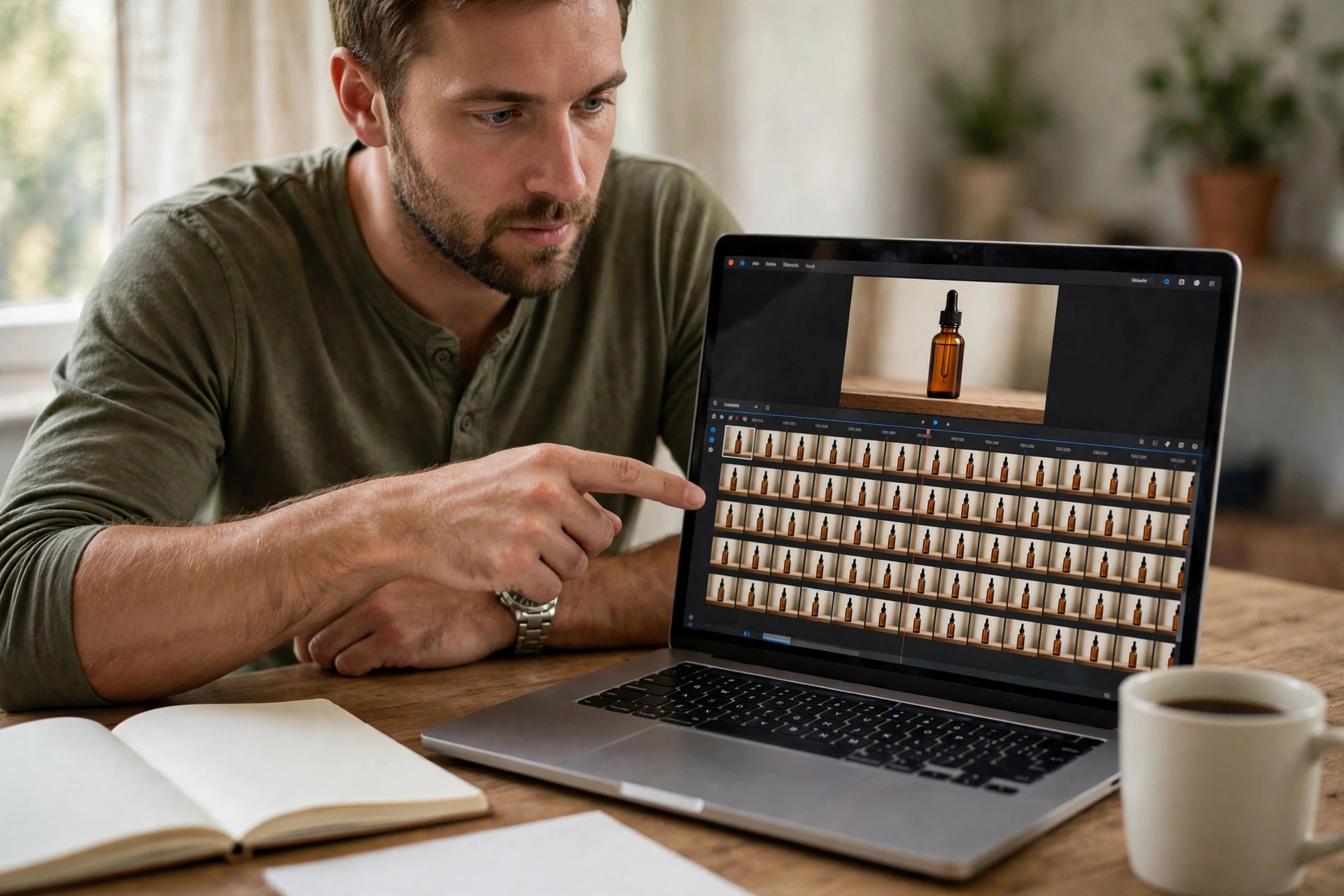
The standard order becomes a formula most guides share, and the formula is where your ad stops being a gamble. InVideo’s Seedance prompt guide states it as a chain: format and shot structure, then subject, then action, then camera movement, then environment and lighting, then style and mood. Treat it as a checklist that stops your prompt from skipping a decision. Leave one slot empty and the model fills it, and it will fill it differently in every shot, which is exactly how a bottle changes shape between cuts.
Multi-shot prompts have a few rules of their own, and they recur across every guide worth reading:
- Label each shot, so the model knows where one ends.
- Give each shot one main action and one camera move, and no more.
- Keep the timeline continuous, with no gaps between shots.
- Plan a few strong beats per generation.
- Name the continuity anchors up front.
- End on a frame the next generation could continue from.
Seedance 2.0 vs 2.5 prompting: timestamps vs shot numbers
The structure stays the same across versions, and the controls change. Seedance 2.5 reads shot labels with integer-second timestamps. Seedance 2.0 reads shot numbers only, and the platform’s own guidance warns that forcing exact durations on 2.0 may lead to abnormal generation results. The practical rule is simple: timestamps belong to 2.5, and shot numbers belong to 2.0.
| Prompt control | Seedance 2.0 | Seedance 2.5 |
|---|---|---|
| Shot timing | Shot numbers only | Shot labels plus integer-second timestamps |
| References per pass | Up to 9 images, 3 video clips, 3 audio clips | Up to 50: 30 images, 10 video clips, 10 audio clips |
| Single take | 4 to 15 seconds | 4 to 30 seconds |
| Resolution | 480p to 1080p, native 4K tier | 480p to 1080p, 10-bit at 1080p |
| Editing | Basic | Timestamp-level editing, green screen, camera-perspective editing |
| Audio | Native dialogue, lip-sync, effects, music | Same, plus audio-only references |
Two notes on the table. The 2.0 reference count varies a little by surface, so check the platform docs before a shoot that depends on it. And public 2.5 tops out at 1080p, so a TV-bound spot needs an upscale step or the 2.0 native 4K tier.
Here is the recommendation to take from it. If your ad is one thirty-second arc, write it for 2.5 with timestamps, because one generation holds the whole story. If your ad is a short bumper or a single product shot, write it for 2.0 with shot numbers, because the cheaper tiers do that job for less. Match the version to the ad, not the ad to the newest version.
Seedance prompt bank: a kit, not a pile
Prompt bank is not an established industry term. Prompt libraries already exist, with thousands of ready-made prompts to copy, but a library is a shelf of other people’s work. A prompt bank is a kit you build for one kind of commercial: a fixed template plus swappable blocks for each product, so every ad that comes out of it looks like it came from one brand.
The kit has five blocks:
- Global style block: the look that never changes: warm light, soft shadows, a calm premium mood.
- Product reference block: the references by name, and what each one supplies.
- Shot list: the shots in order, each with its timing, action, and camera move.
- Audio line: the sound for the whole spot, in its brackets.
- Constraints line: what must never change: the bottle, the label, the light.
Start with one product and one template, and run the whole kit through one commercial before adding a second product. When the first ad holds together, the next product needs only a new reference block and a new shot list. The cost and access questions are answered in the AI video ads buyer’s guide, and the packages on the pricing page show what a finished commercial costs as a done-for-you piece.
Seedance prompt template: copy the bank
Copy the block below and fill in the brackets, and your prompt is ready to paste. Keep the fixed blocks the same for every ad in a series, and swap only the product block and the shot list.
Global style block: [STYLE], [LIGHTING], [MOOD], locked-off camera unless a shot says otherwise.
Product reference block: @Image1 supplies [PRODUCT] with [DISTINGUISHING DETAIL], and @Image2 supplies [SETTING] with [PROP].
Shot 1 [0-5s]: [ACTION]. [CAMERA MOVE]. [LIGHT]. <[EFFECT]> {[DIALOGUE]} ([MUSIC])
Shot 2 [5-15s]: [ACTION]. [CAMERA MOVE]. [LIGHT]. <[EFFECT]> {[DIALOGUE]} ([MUSIC])
Shot 3 [15-30s]: [ACTION]. [CAMERA MOVE]. [LIGHT]. <[EFFECT]> {[DIALOGUE]} ([MUSIC])
Audio line: <[EFFECT]> {[DIALOGUE]} ([MUSIC])
Constraints line: [PRODUCT], [LABEL], and [LIGHT] never change.
On Seedance 2.0, swap the timestamp ranges for shot numbers, and run each shot as its own generation.
Seedance prompt example: one serum, three shots
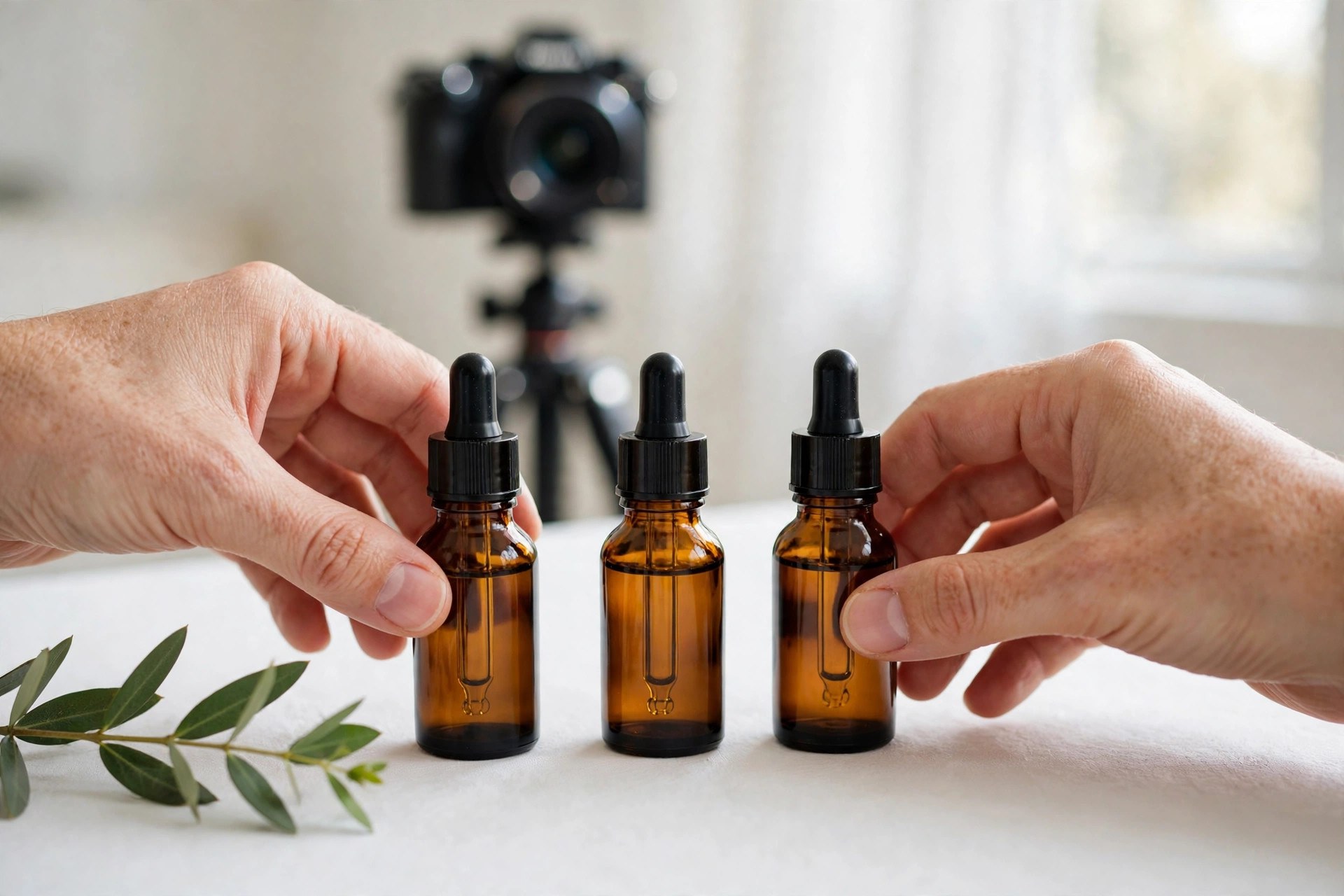
The template below is illustrative, not a record of a finished client job. The product is fictional, a small-batch serum in an amber glass bottle, and the prompts show the structure, not a claimed result. Read them as a pattern to copy, then swap in your own product.
The fixed blocks come first. Global style: warm morning light, soft natural shadows, calm premium skincare mood, shallow depth of field, locked-off camera unless a shot says otherwise. Product references: @Image1 supplies the amber glass serum bottle with a black dropper cap and a small cream label, and @Image2 supplies the white bathroom shelf and the green eucalyptus sprig beside it.
Shot 1 [0-5s]: A hand places the amber serum bottle on a white bathroom shelf beside a green eucalyptus sprig. Slow push-in. Morning light through a small window. <soft click as the bottle meets the shelf> {No dialogue} (gentle piano, one note at a time)
Shot 2 [5-15s]: Close on the bottle as a drop of golden serum falls onto the back of a hand and spreads slowly. Static camera, macro framing. <a single soft drop sound> {No dialogue} (the piano continues, warmer)
Shot 3 [15-30s]: The hand lifts the bottle toward the light, the label catching the sun, then the bottle rests back on the shelf as the room settles. Slow pull-back to a wide shot of the shelf. <a soft breath of room tone> {A calm voice says, “One drop, morning and night.”} (the piano resolves and fades)
On Seedance 2.0 the same ad becomes three separate generations, one per shot, with shot numbers instead of timestamps. Swap the product block for a different bottle, keep the style block, and the next commercial starts from a working template instead of a blank page.
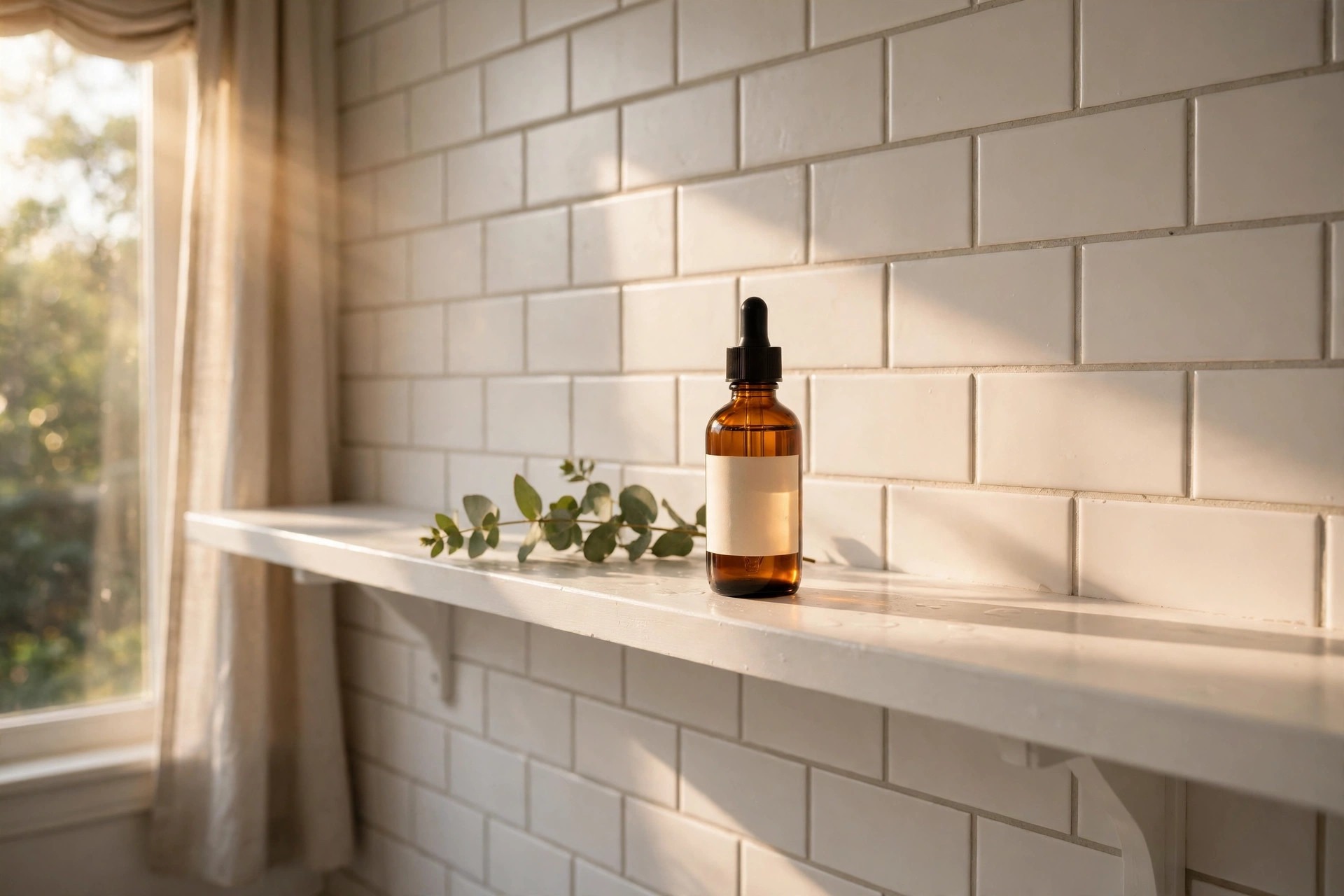
That frame is the test for the prompt. If the bottle holds its shape, the label stays put, and the light matches across all three shots, the prompt did its job. If the bottle drifts or the shelf changes between cuts, the fix is in the reference block and the constraints line, not in a longer prompt.
Seedance prompt example: one candle, three shots
The template below is illustrative, not a record of a finished client job. The product is fictional, a handmade ceramic candle in a speckled clay pot, and the prompts show the structure, not a claimed result. Read them as a pattern to copy, then swap in your own product.
The fixed blocks come first. Global style: soft evening light, warm shadows, calm handmade mood, shallow depth of field, locked-off camera unless a shot says otherwise. Product references: @Image1 supplies the speckled clay candle pot with a wooden lid, and @Image2 supplies the linen-covered table and the dried eucalyptus sprig beside it.
Shot 1 [0-5s]: A hand sets the speckled clay candle pot on a linen-covered table, the wooden lid resting beside it, with a dried eucalyptus sprig nearby. Slow push-in. Evening light through a small window. <soft thud as the pot meets the table> {No dialogue} (low strings, one note at a time)
Shot 2 [5-15s]: Close on the candle as a match lights the wick and the flame catches and steadies. Static camera, macro framing. <a match striking, then a soft crackle> {No dialogue} (the strings continue, warmer)
Shot 3 [15-30s]: The flame glows against the clay, then the camera pulls back to a wide shot of the table as the room settles, the wooden lid resting beside the pot. <a soft breath of room tone> {A calm voice says, “Lit by hand, poured by hand.”} (the strings resolve and fade)
On Seedance 2.0 the same ad becomes three separate generations, one per shot, with shot numbers instead of timestamps. Swap the product block for a different candle, keep the style block, and the next commercial starts from a working template instead of a blank page.

That frame is the test for the prompt. If the flame holds, the pot keeps its speckled clay, and the lid stays where the first shot left it, the prompt did its job. If the pot changes colour or the table shifts between cuts, the fix is in the reference block and the constraints line, not in a longer prompt.
Where to run Seedance prompts
Your template is ready, so the next question is where to paste it. Every platform that runs Seedance 2.5, with its free tier and its price, is listed in Seedance 2.0 vs 2.5: Which One Makes Your Video Ad?, and the same piece carries the four checks to run before you pay: commercial rights, the face rule, watermarks, and expiring credits.
Seedance prompt limits: what a prompt bank does not fix
Your template solves the consistency problem, and two limits sit outside it, so know them before you render. The first is faces: on ByteDance’s own routes, a reference image that shows a real human face is blocked, so a commercial that needs a real spokesperson’s face as a reference cannot be built that way, and product-led and animated spots are the natural fit. The second is rights: Dreamina’s terms describe the service as generally for private, non-commercial use even though its marketing says paid tiers grant commercial rights, so a business should not assume commercial rights on that route. The clean route for paid client work is the API or a host whose terms grant them.
Seedance prompt questions, answered
How long should a Seedance prompt be?
There is no fixed length, and length is the wrong thing to measure. A prompt that follows the standard order covers a full ad in a short paragraph per shot plus the fixed blocks. A prompt that skips the order stays vague at any length, so structure matters more than word count.
How does prompting Seedance 2.5 differ from prompting Seedance 2.0?
Seedance 2.5 reads shot labels with integer-second timestamps and accepts up to 50 references in one pass, while Seedance 2.0 reads shot numbers only and forcing exact durations on it may lead to abnormal generation results. The 2.5 prompt also gains timestamp-level editing, green screen, and camera-perspective editing, so fixes can target one moment instead of regenerating a scene.
Can I use a real person’s face as a reference in a Seedance prompt?
No, not on ByteDance’s own routes, where a reference image that shows a real human face is blocked. Product-led and animated spots are the natural fit, and a face can still appear in the picture without being fed in as a reference.
What is a prompt bank, and how do I start one?
A prompt bank is a small reusable kit for product commercials: a fixed template with a global style block, a product reference block, a shot list, an audio line, and a constraints line, plus swappable blocks for each product. Start with one product and one template, run the whole kit through one commercial, and add a second product only when the first ad holds together.
Turn the template into a finished commercial
A prompt bank makes the next ad faster to start. A finished commercial still needs a director behind the frame, and the packages show what that costs as a done-for-you piece.
See AI Video Commercial Packages